Timestamped decision and action log
Every decision, action and update is logged with a time, an owner and a status, building an append-only record for the board, regulators and the post-incident review.
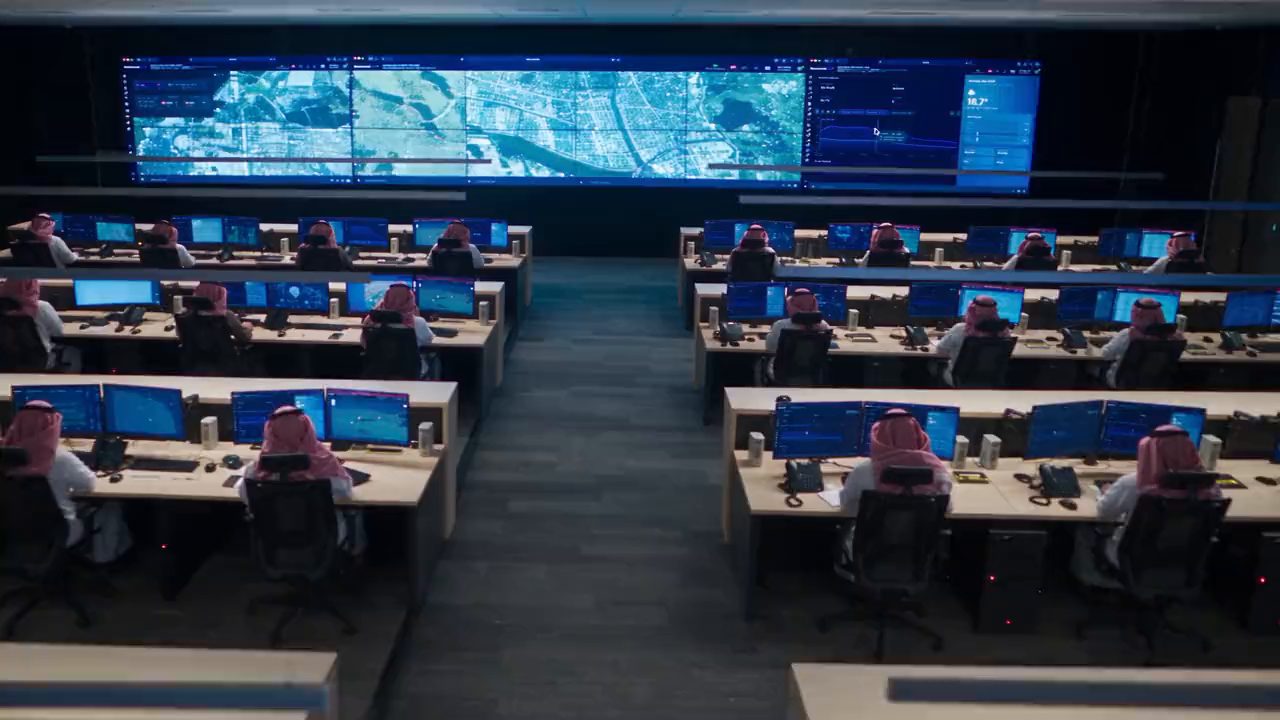
From the first alert to the post-incident review, CommandPost® gives crisis management, incident management and business continuity teams one shared log and map across every site and country, so decisions, actions and staff welfare are tracked from activation to stand-down.
An outage or severe weather event hits several offices at once, and the crisis team assembles over phone bridges and group chats with no single view of what is happening where.
When staff are travelling or a site is affected, welfare checks run through emails and call lists, and nobody can say with confidence who is safe and who has not responded.
Regulators, insurers and the board ask what was decided, when and on what information, and the answer has to be pieced together from notes and inboxes.
CommandPost® brings the executive crisis team, site incident teams and business continuity leads into a single operating picture, from activation through to recovery.
Every decision, action and update is logged with a time, an owner and a status, building an append-only record for the board, regulators and the post-incident review.
See open, critical and resolved issues across every office, site and country, so the executive team is briefed without chasing each region for an update.
Plot offices, sites, key suppliers and where travelling staff are staying against the affected area, so the team can see who and what is exposed.
Build welfare check, staff accounting and site impact forms that site leads fill in from the office or the field, even without a connection.
Executives, site leads, IT, communications, key suppliers and insurers are listed with role and how to reach them, kept current as people rotate on and off.
Keep business continuity plans, crisis playbooks and approved holding statements with the operation, so the current version is never buried in someone's inbox.
It's 5:40am on a Monday at a national distribution business. Overnight, a cyber incident has taken the ordering and warehouse systems offline at sites in two countries.
The IT incident lead escalates the outage, the crisis management team is activated and the first log entry records what is known and what is not.
Site leads switch warehouses to the manual processes in the business continuity plan, and each workaround is logged as a task with an owner.
Communications drafts updates from the approved holding statements, the executive team signs them off and each release is logged with the time it went out.
General counsel logs the decision to notify the regulator, and the board receives a briefing exported straight from the decision log.
Systems are back online, the crisis team stands down and the full timeline is exported for the post-incident review and the next exercise.
Request a demo to see how CommandPost® brings crisis management, business continuity and staff welfare together for businesses operating across sites and countries.