One log for every incident
Access issues, unattended items, alarms and incident reports are logged with priority, status and assignee, and a full history for debriefs and inquiries.

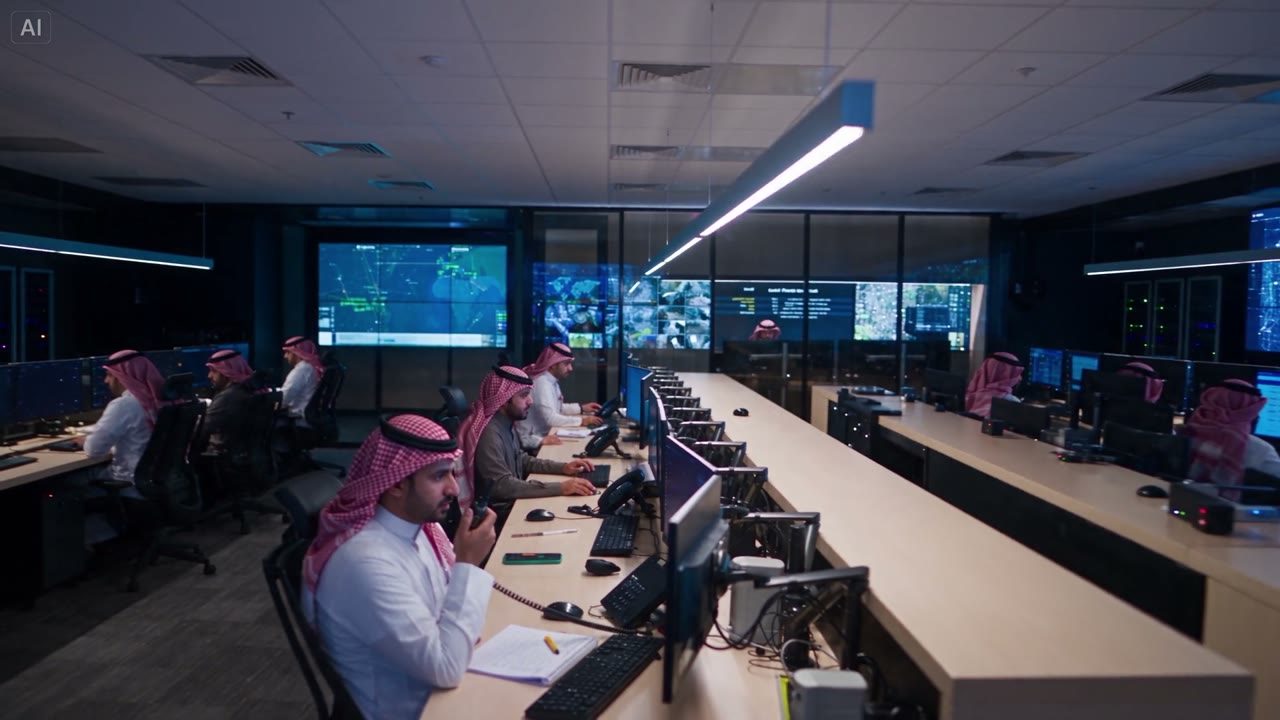
CommandPost® gives control room operators, patrol teams and guard supervisors one shared incident log and map, so an access issue, unattended item or alarm response is tracked from first report to close out.
Outstanding items, half finished checks and verbal notes do not survive a shift change, so the incoming team starts blind.
Guard tours and checkpoint visits are logged on paper or not at all, so gaps in coverage only surface after something goes wrong.
An access issue or unattended item pulls in the control room, patrols, site management and police, each working from a different picture.
Everything the control room, patrols and site management need for a shift, an incident or a client report lives in one operation, built around the incident log.
Access issues, unattended items, alarms and incident reports are logged with priority, status and assignee, and a full history for debriefs and inquiries.
Site plans, patrol zones, checkpoints and camera locations sit on one live map, so a dispatched patrol knows exactly where to go.
Guard tours, checkpoint sign offs and bag searches are built as checklists and filled in from the field, on or offline.
Patrol routes, checkpoint timings and briefing times sit in the operation schedule, so every shift works from the same run sheet.
Police liaison officers, site management and duty managers are listed with role and contact details, kept current across every shift.
Incident photos, client reports and site SOPs are kept with the operation, and log entries export as reports for client meetings and debriefs.
A day patrol handover, an access issue and an unattended item, tracked from first report through police liaison to close out.
Night patrol hands over open items and checkpoint status to the day team through the log, not a verbal recap.
A contractor without a valid pass is stopped at the west gate, access control logs the check and calls site management.
A tenant reports an unattended bag near the north entrance, control room dispatches the nearest patrol to assess.
Patrol cordons the area and control room raises the log to critical and calls the police liaison officer.
Police clear the item, the cordon lifts and the log is resolved ahead of the evening handover and client report.
See how patrols, access issues and incident reporting come together in one operation, built for security teams across precincts, campuses and ports.