One incident log for every team
Security, cleaning, customer service and centre management log incidents and hazards in one place, with priorities, assignees and a full history.
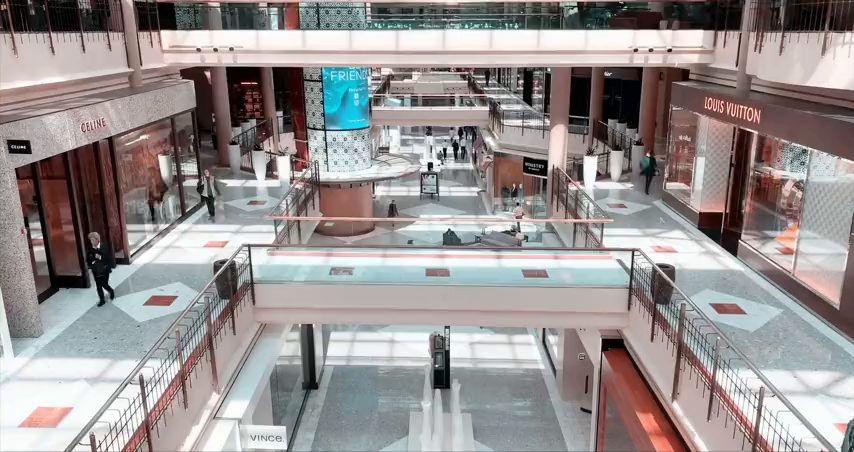
From the security control room to cleaning and centre management, see every incident, hazard and job across retail floors, car parks and back-of-house in one place.
Radios, phone calls and paper incident books leave gaps between security, cleaning and centre management, especially at shift changeover.
Boxing Day sales, school holidays and Christmas trading bring more foot traffic, car park congestion and antisocial behaviour all at once.
Slips and falls, lost children and security incidents need a clear, timestamped record for the landlord, insurer or WHS regulator.
CommandPost® gives centre management, security and cleaning one shared incident log, so every hazard, job and escalation is tracked to resolution.
Security, cleaning, customer service and centre management log incidents and hazards in one place, with priorities, assignees and a full history.
Retail floors, car park levels, loading docks and tenancy zones on one live map, with uploaded site plans and reference locations.
Build your own security patrol checklists, WHS walk-throughs and contractor sign-in forms, filled in from the control room or the floor.
Set the timings for Boxing Day, a fire drill or a VIP visit, so security, cleaning and centre management work from the same schedule.
Keep site plans, incident photos, SOPs and contractor inductions with the operation, ready when the landlord or insurer asks for them.
See open, critical and resolved incidents across the whole centre from the control room or from a phone on the floor.
One trading Saturday, from a spill at the entrance to a car park hazard, tracked end to end by the same control room team.
A store manager calls the control room about a spill near the main entrance, cleaning is tasked straight away.
A parent reports a missing child at the customer service desk, security and centre management coordinate a search.
A group causing a disturbance is reported near the food court, security patrol is dispatched to attend.
A contractor reports an exposed cable in the car park, the area is cordoned off and maintenance notified.
The control room reviews the day's log with the incoming team before handover, nothing is left open unassigned.
Talk to us about running your centre's security, cleaning and incident reporting from one shared operating picture.